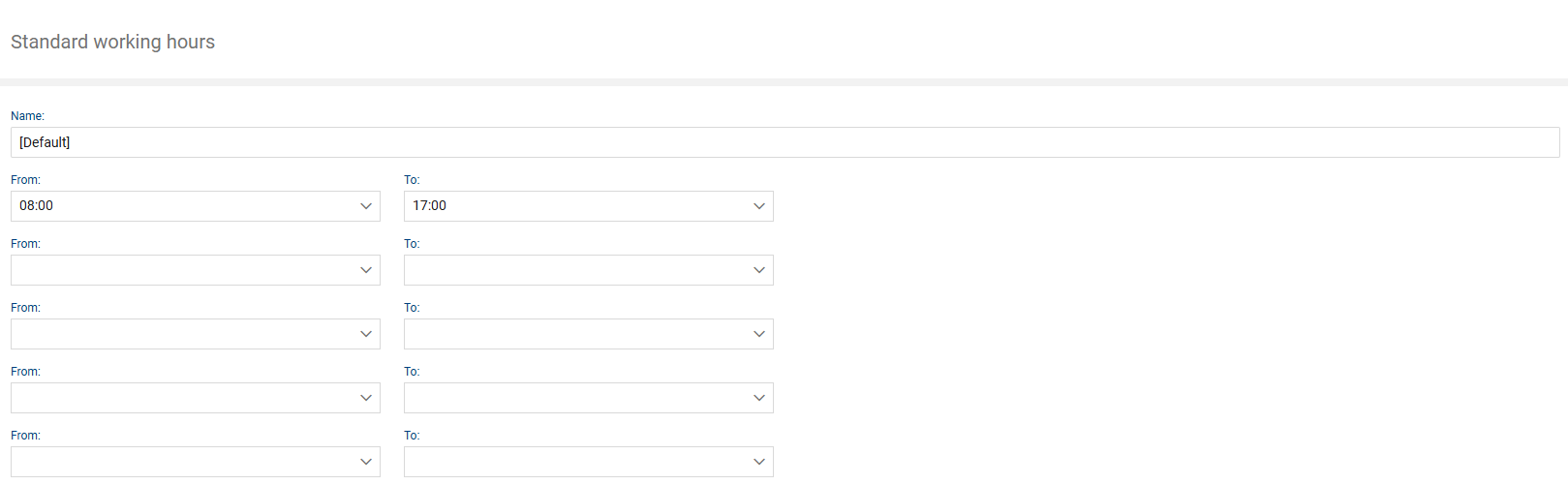
The “Working Hours” section allows you to define specific daily working hours.
Use this section to define all working hours that apply within your organization. The purpose is to later consolidate all working hours into working hour calendars, which are then valid, for example, for an SLA contract. SLA times are calculated only during these working hours.
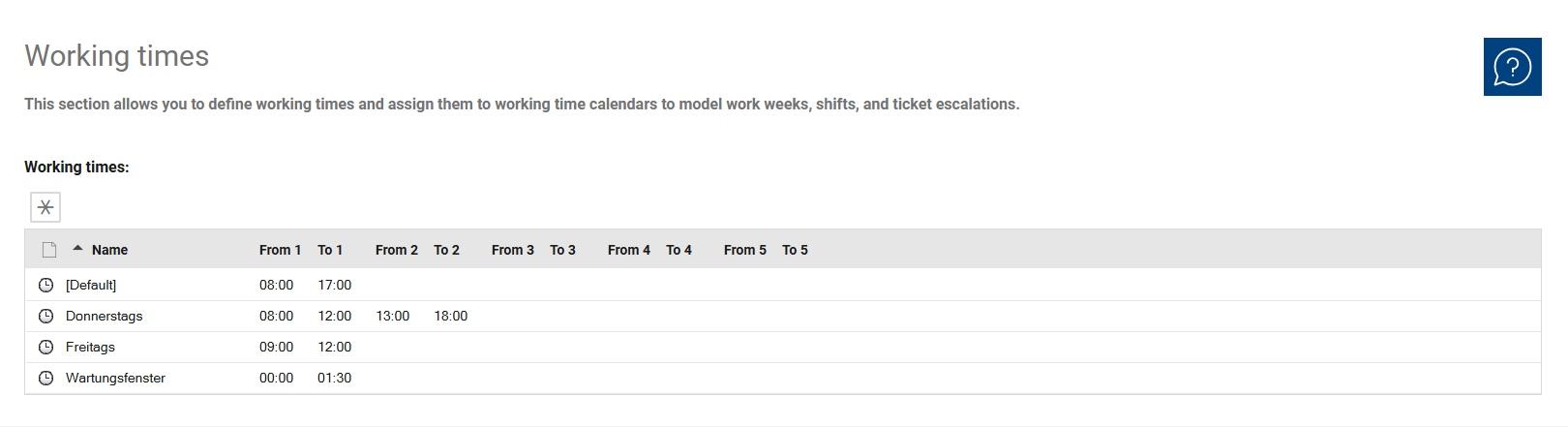
The “Star” button adds a new work shift. You can set up to 5 time periods per day in the work shifts.