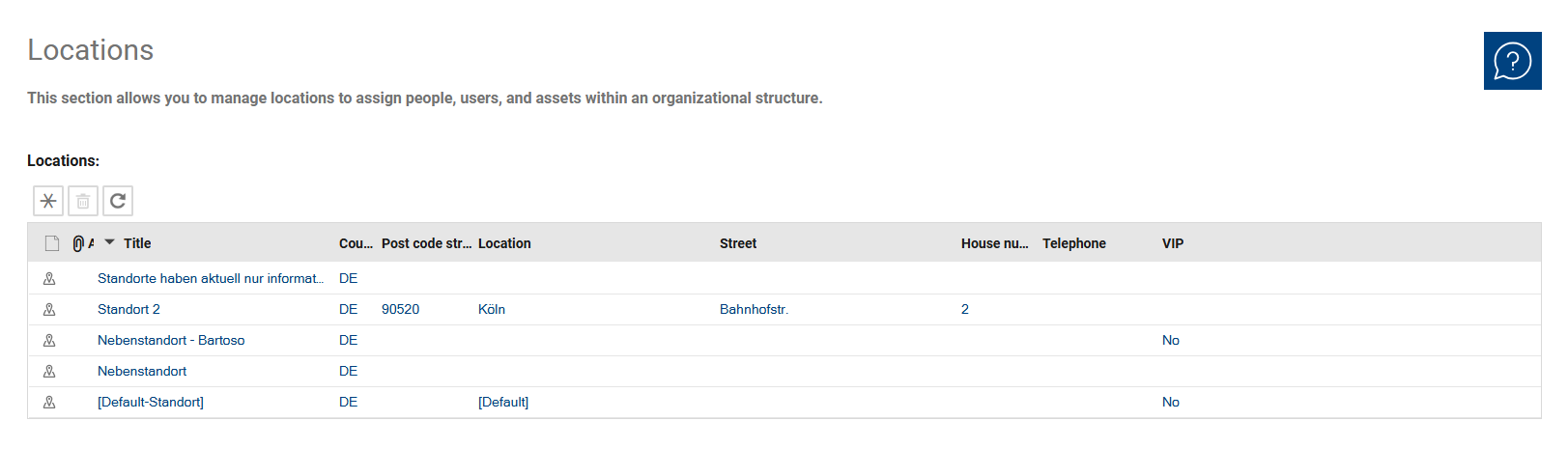
Locations are currently for informational purposes only and can be used to determine the defined location of a company, person, or asset in cases where on-site visits are necessary.
Locations can be created manually or automatically via an import and assigned to organizational units.
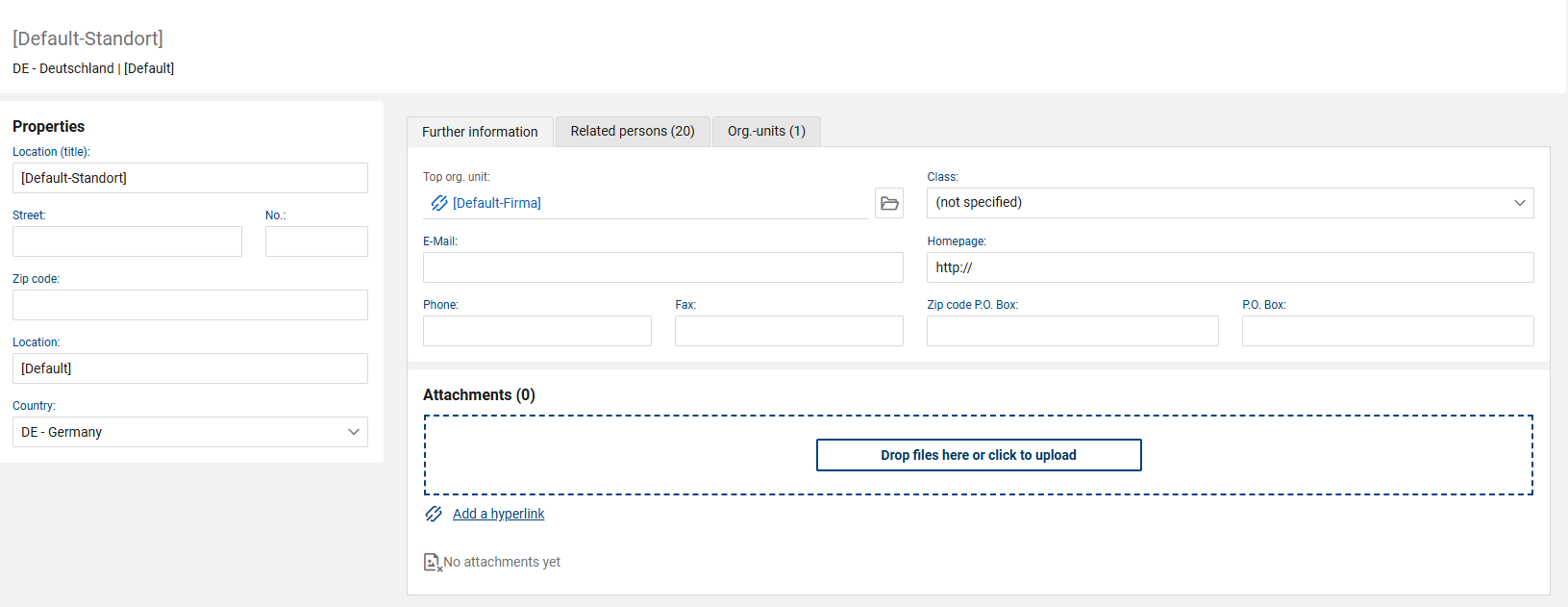
In addition to a required title, a location can be assigned to a top-level organizational unit, but it can be assigned to multiple organizational units simultaneously if there are several of them at a single location (typically when you also map departments as organizational units or create larger corporate complexes). Furthermore, a list of people can be assigned to a location.
The Top org. unit can subsequently be changed by users with the appropriate write permissions. Only valid top org. units that match the org. units assigned to the location are available for selection. If the assigned org. units change and the previously selected Top org. unit is no longer valid, the existing assignment is removed automatically.
Additional information regarding address data is optional.
Locations can only be deleted if there are no references to a ticket (organizational unit or individuals).